Adobe Photoshop
Adobe Photoshop is the raster graphics editor from Adobe for photo retouching and image editing. Version 2026 27.10 installs as a trial on Windows.
2.4 MB

2022.2607.23.0 · Microsoft Corporation · Page updated
Snipping Tool is the screenshot utility built into Microsoft Windows. This page covers version 2022.2607.23.0 and how to reinstall it if it is missing.
Average 0.0 · ratings: 0
Thank you! Your rating is saved; you can change it. Could not save the rating. Please try again later. Too many ratings from your network today. Please try again tomorrow. The average appears after 5 ratings.
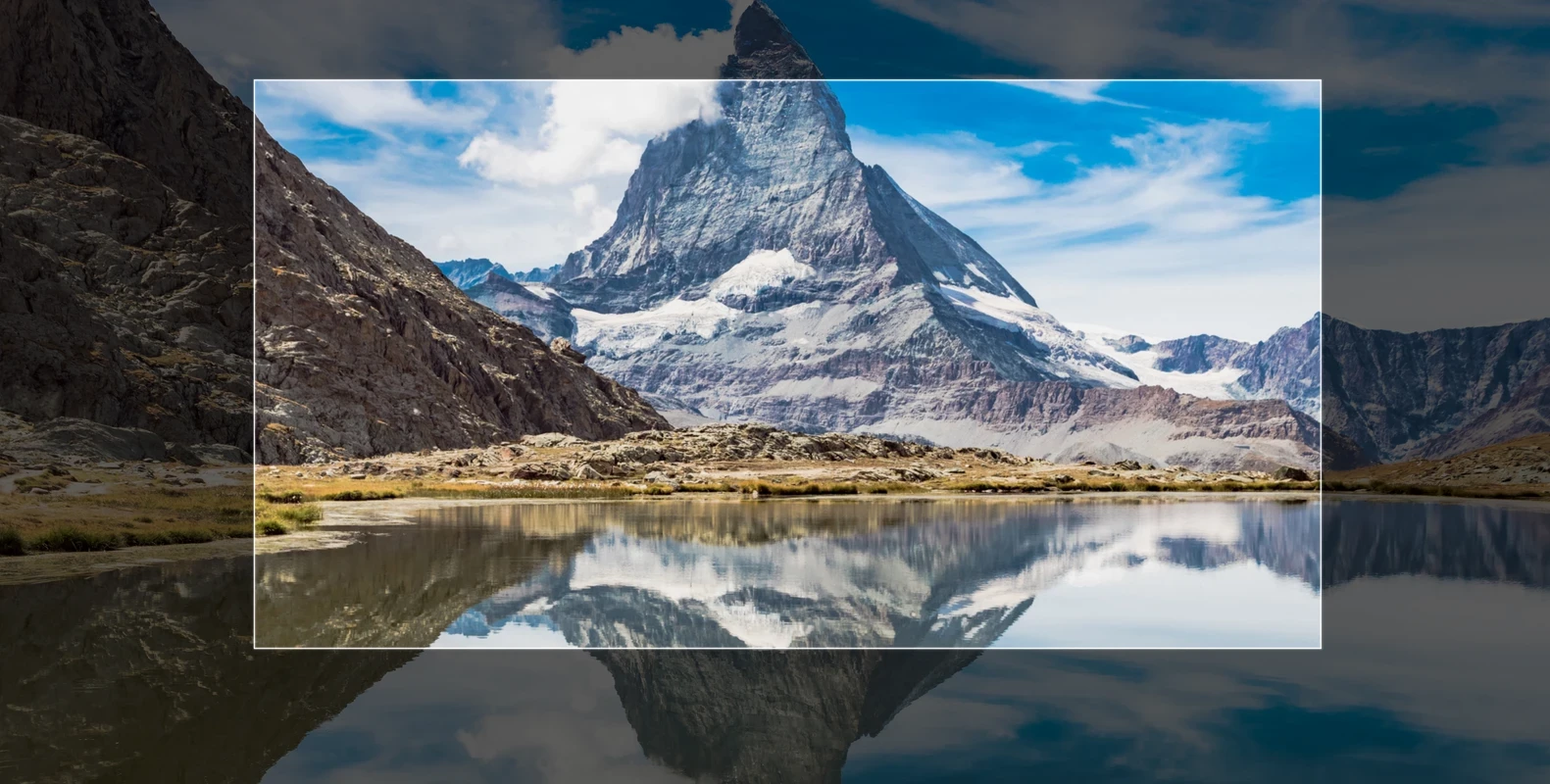
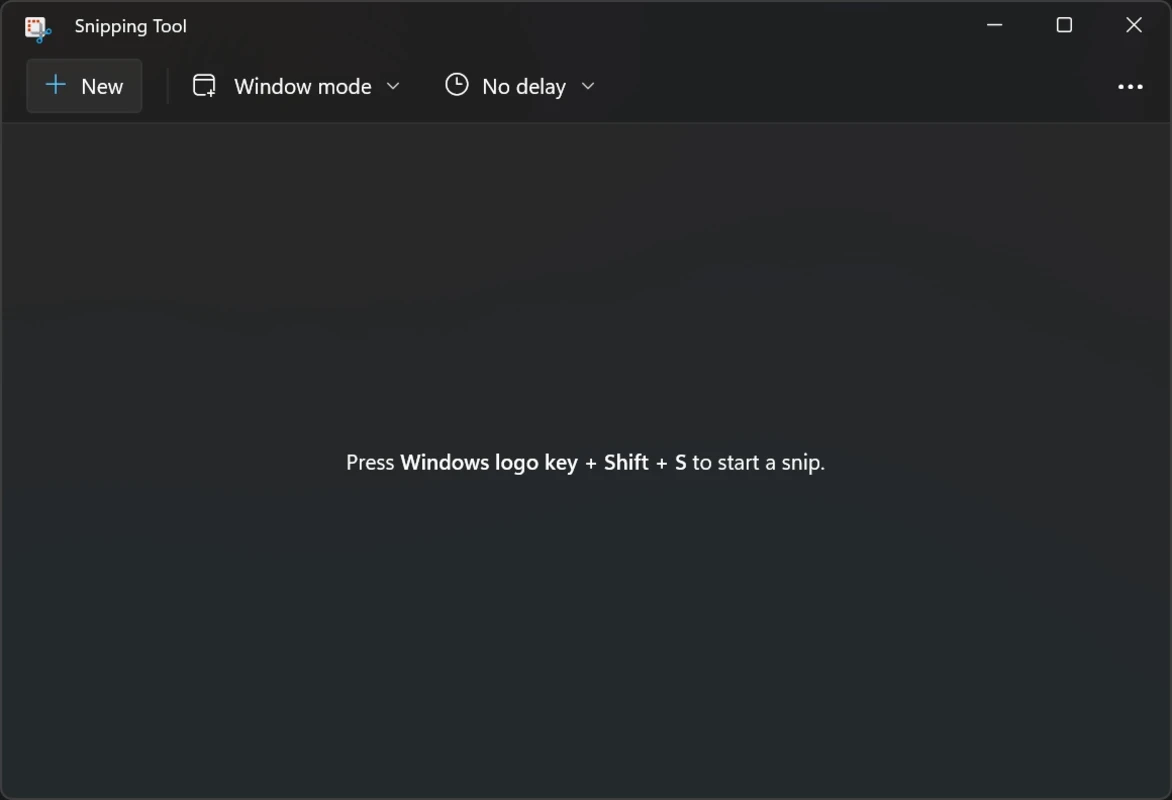
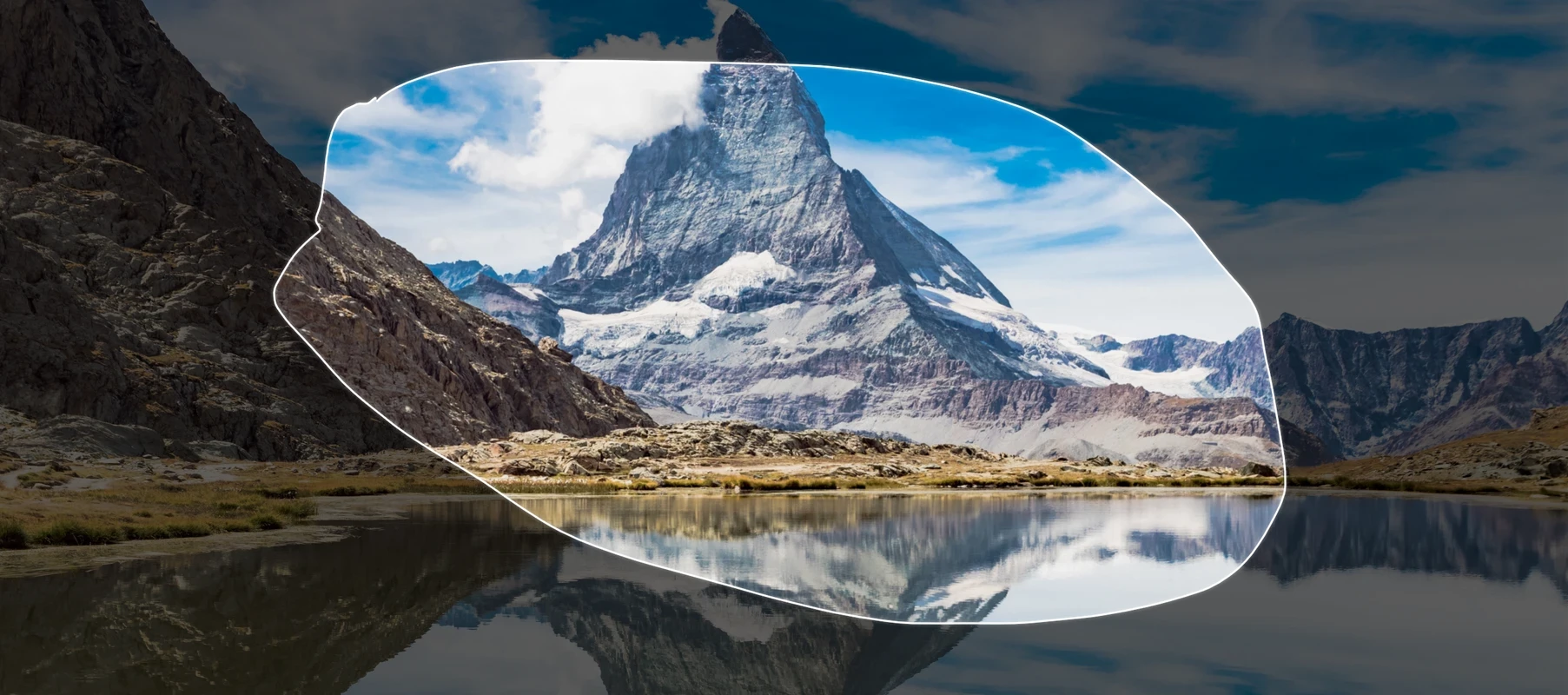
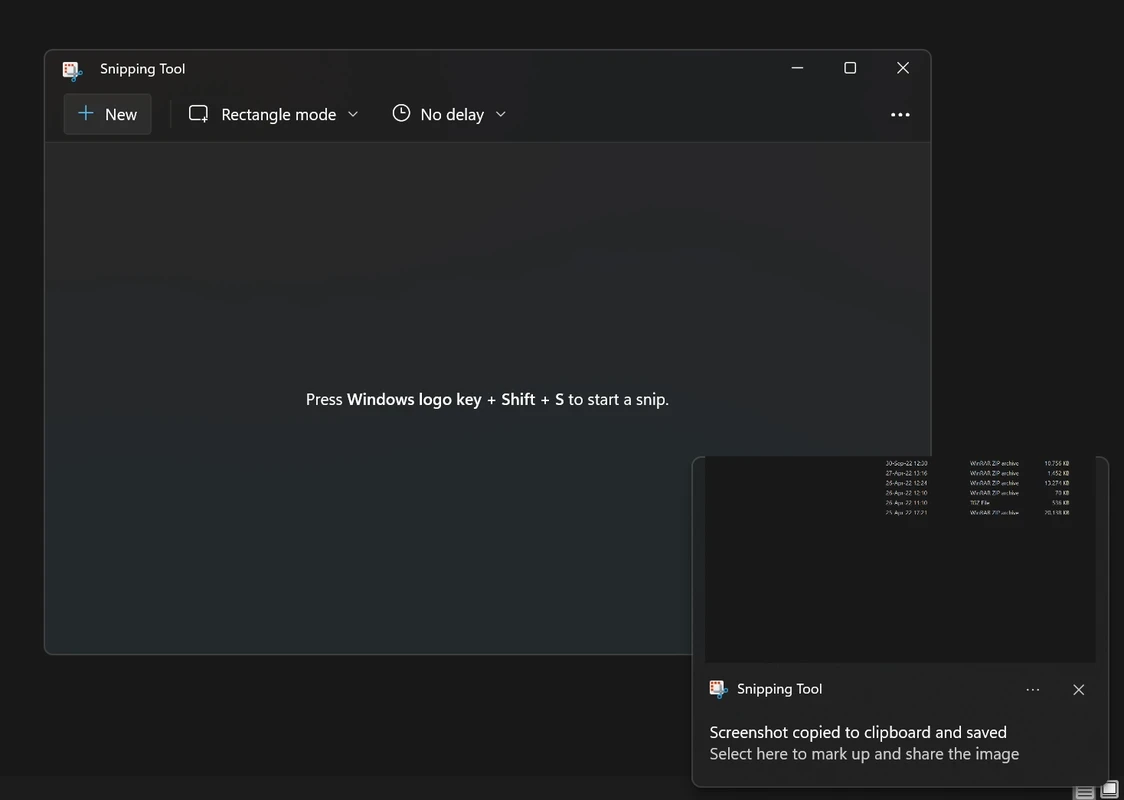
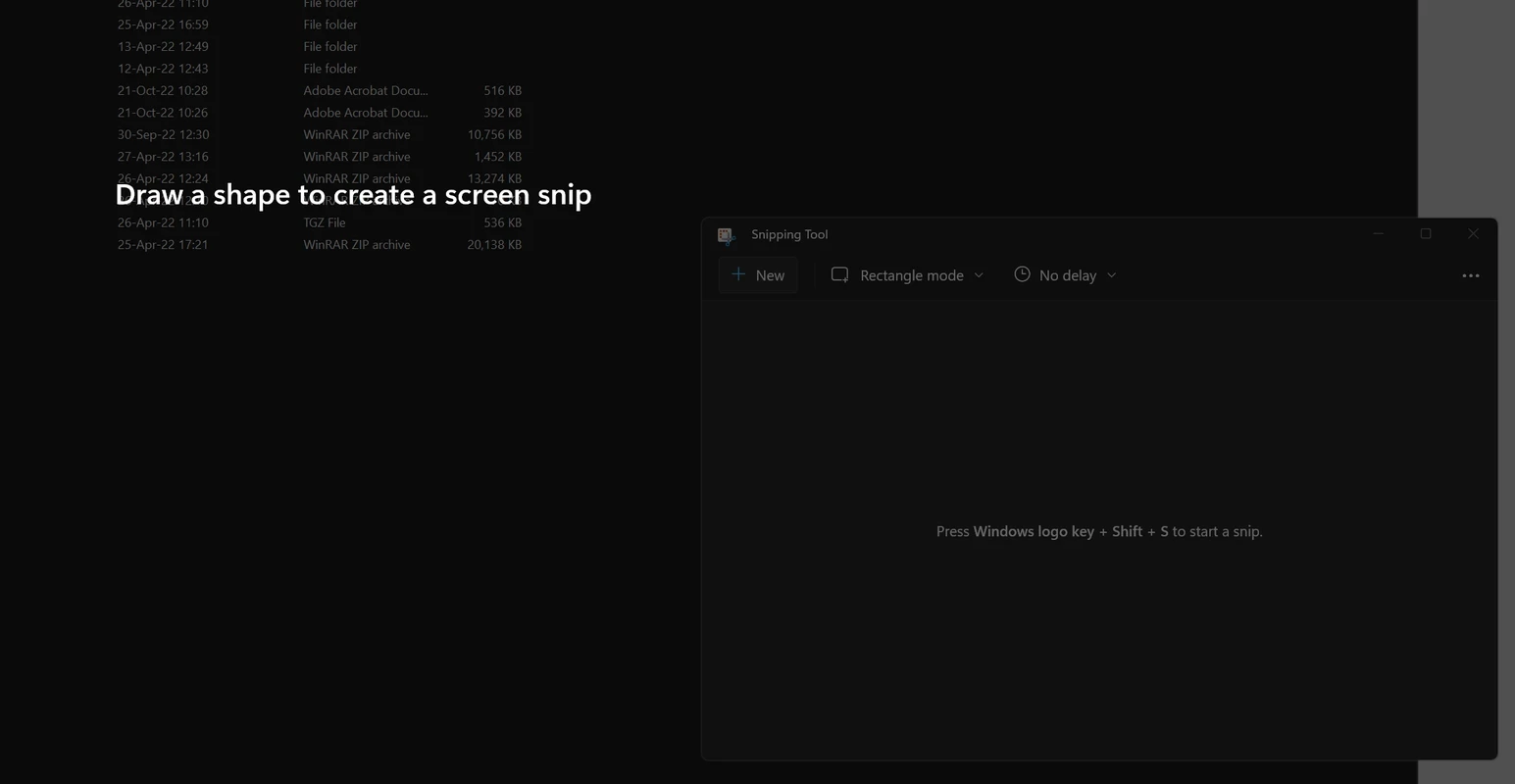
Snipping Tool 2022.2607.23.0 for Windows is the current version of the screenshot utility built into Microsoft Windows. It is free and usually already on your PC; if it is missing, you can download it again from the Microsoft Store. Here are the quick facts and a practical guide.
| Item | Details |
|---|---|
| App | Snipping Tool |
| Developer | Microsoft Corporation |
| Version | 2022.2607.23.0 |
| Part of | Microsoft Windows (component since Windows Vista, current in Windows 11) |
| Origins | 2002 |
| Price | Free |
| Store listing | Microsoft Store |
| Package size | about 822.76 MB according to catalogue data |
Snipping Tool captures what is on your screen. You can grab a rectangle, a free-form area, a single window or the whole screen, then mark it up with a pen or highlighter, crop it and save or paste it wherever you need. It is the quickest way to share an error message with support, clip a part of a web page, or save a receipt. The tool has been part of Windows since the Vista era, and in Windows 11 it is updated through the Microsoft Store like a normal app, so improvements arrive without waiting for a big system update. Because it comes with the system, there is nothing to set up: open it, snip and share.
Microsoft's help page shows how to open Snipping Tool and take a screenshot.
Reinstall it from the Microsoft Store. Microsoft explains the steps in uninstall and reinstall Paint and Snipping Tool. Avoid "Snipping Tool download" sites offering EXE files; the real app comes only from Microsoft.
By default the capture is copied to the clipboard, so you can paste it straight into an email, a chat or a document. Save it as a file when you need to keep it, and pick a clear folder and name so you can find it later. Clean out old captures now and then; they add up quickly.
Snipping Tool runs on the Windows versions it ships with; the current app targets Windows 11, whose own specifications apply.
Other imaging tools for Windows in our listings: Paint for quick edits of a capture, PicWish for background removal and GIMP for full photo editing.
Adobe Photoshop is the raster graphics editor from Adobe for photo retouching and image editing. Version 2026 27.10 installs as a trial on Windows.

Adobe Illustrator Online refers to using Adobe's vector design tool through the browser and Adobe's web services, with an Adobe account and plan.
Adobe Illustrator is Adobe's vector graphics editor for logos, illustrations and print design. This page covers Illustrator CC 2026, version 30.8, for Windows.

PicWish is an AI photo editing app for Windows that removes backgrounds, cleans up images and prepares product photos with a few clicks.

PixelLab is an Android app from App Holdings for adding text, stickers and effects to photos; on a Windows PC it runs through an Android emulator.
Adobe Photoshop CS6 is an older perpetual-licence version of Adobe's image editor for Windows; Adobe no longer sells or updates it, and today's Photoshop is subscription-based.